
Easy-to-Use Memory App Designed for Seniors
Easy-to-Use Memory App Designed for Seniors
Tablets are a favorite tool for the 50+ crowd.
Large screens, easy to read—they are perfect for reading, but also for health.
For evidence-based prevention guidance, see the Alzheimer's Association brain health resources.
But if you search for "brain games" in the App Store, it's a jungle. Between mind-numbing games full of ads and scary medical tests, it is hard to find a balance.
You want a serious tool to prevent cognitive decline, but you don't want to feel like you are taking a school exam. That is exactly why we built a brain training app for seniors that is different.
Why a Dedicated App Beats Candy Crush
We hear it a lot: "I play games on my iPad, that's enough." Not really.
Casual games (puzzles, candy matching) are fun, but they work the brain in a repetitive way. Once you know the mechanic, your brain goes on autopilot. You stop improving.
To be effective, a cognitive health app must offer:
- Multi-sensory stimulation: Mixing visual and audio.
- Professional tracking: Like tools used by therapists, but made for home.
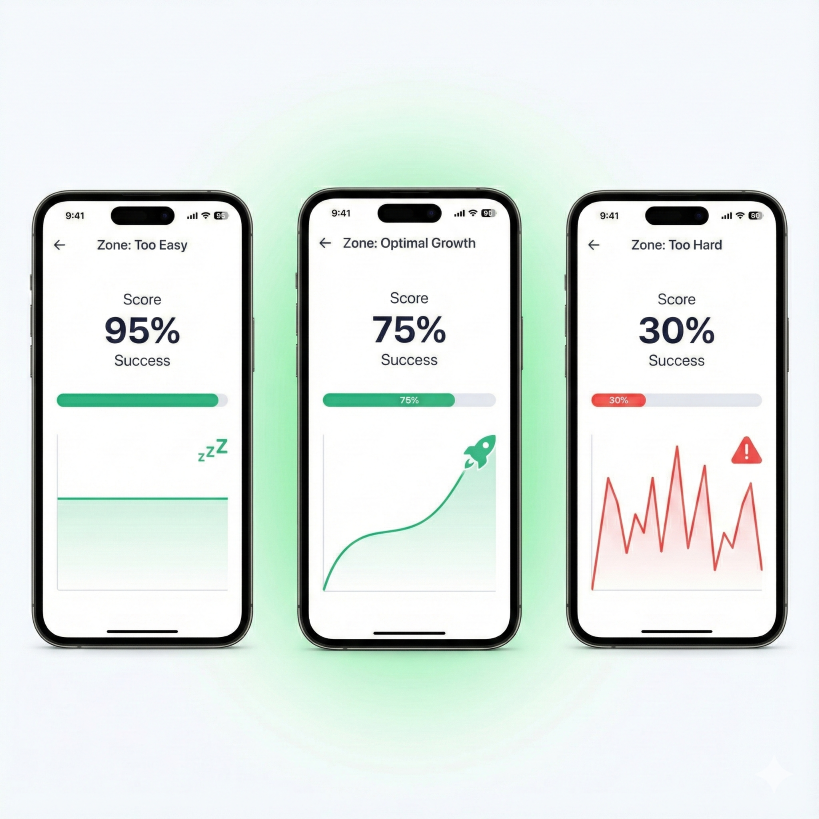
- Measured progression: The app must know when to make it harder so you stay challenged, but not discouraged.
Comparison: Daily Brain Coach vs. Others
There are many apps out there, like Lumosity or Elevate. They are good, but they often have two major flaws for daily use: the sessions are long (20+ minutes) and the timer is stressful.
Here is how Daily Brain Coach fits into an active life:
| Feature | Standard Apps (Lumosity, etc.) | Daily Brain Coach |
|---|---|---|
| Time per session | 15–30 mins (Time consuming) | 5 mins (Micro-learning) |
| Stress Factor | Visible Timer (Anxious) | No Timer (Your pace) |
| Approach | "School-like" drills | Personal Coaching |
| Feedback | Raw Score (e.g., 7/10) | Specific Advice |
Daily Brain Coach also lets you try the games for free without creating an account.
Features That Change Everything
Daily Brain Coach is designed to be the kindest app on the market.
1. Visual Memory Without Pressure
Our memory drills don't punish you. Forgot a card? That's okay. The app shows the error gently and lets you try again. We build confidence, we don't break it.
2. Post-Session Coaching
This is our strength. At the end of your 5 minutes, you don't just get a grade. You get advice.
Example: "We see your attention dips at the end of the set. Tomorrow, try taking a deep breath before hitting start."
3. Proven Progress
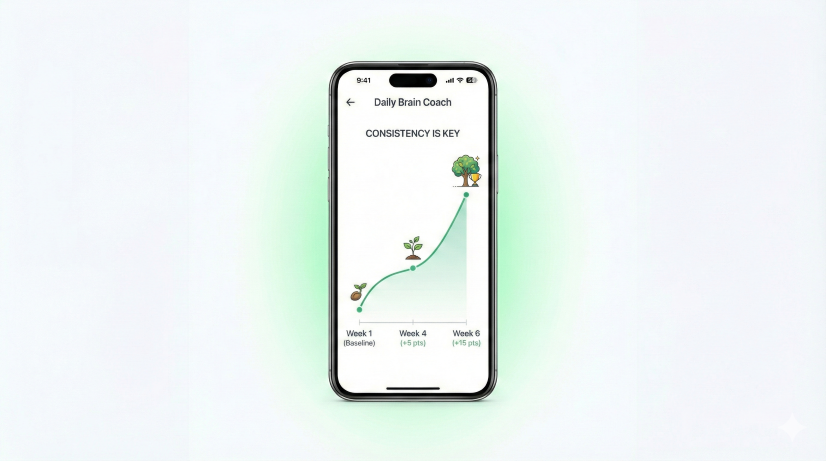
Users of this method often see a 70% improvement in scores over 6 months. Why? Because consistency (playing a little every day) is more powerful than intensity.
User Story
"I tried a few apps my doctor suggested. I always quit after two weeks because the timer stressed me out. With Daily Brain Coach, I do it while drinking my tea. It's my time, and I feel sharper with my appointments."
— Mark, 62, user for 3 months.
The Science Behind 5 Minutes a Day
Why does 5 minutes suffice? The answer lies in how the brain consolidates learning.
Memory consolidation happens primarily during sleep — especially deep slow-wave sleep and REM phases. Each training session "marks" neural circuits that will be reinforced the following night. Short, frequent sessions give this mechanism more opportunities to work than one long weekly session.
This is confirmed by the meta-analysis from Au et al. (2015, Psychological Bulletin) on 20 working memory studies: gains correlate with number of sessions, not their duration. 20 sessions of 10 minutes produce better results than 4 sessions of 50 minutes.
Which Cognitive Functions Decline Most Without Active Training?
Passive tablet use (reading, videos, social media) does not train the brain — it mobilizes it in consumption mode. The difference from active cognitive exercise:
| Tablet use | Brain mode | Plasticity activated |
|---|---|---|
| Reading articles | Passive / reception | Low |
| Classic match/puzzle games | Semi-active | Low after mastery |
| Social media | Passive / reward | None (reinforces inattention) |
| Stroop Test | Active / inhibition | High |
| N-Back | Active / updating | High |
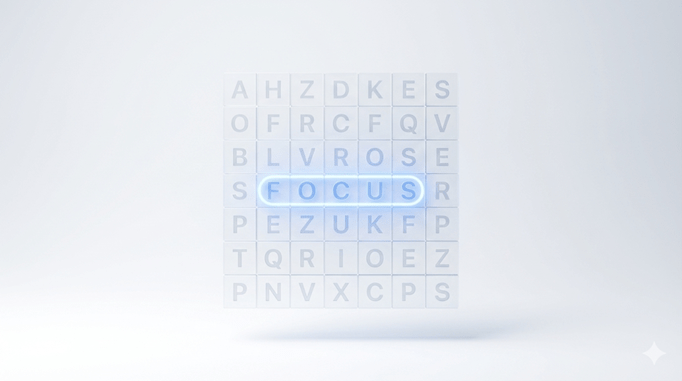
| Word Search | Active / visual speed | High |
The key difference: cognitive exercises put you in a situation where the response is not automatic. This non-automaticity effort is what triggers neuroplasticity.
Adapting the Interface to Your Visual Needs
One barrier to cognitive training for seniors is simply ergonomics: small buttons, tiny text, cluttered interfaces.
Daily Brain Coach was designed with this constraint as a priority:
- Large buttons: comfortable tap zones even with reduced fine motor control
- High contrast: readable even with mild presbyopia or bright ambient light
- No complex menus: one action per screen, always the same logic
- No intrusive notifications: you decide when you train
Tracking Progress Without Getting Lost in Numbers
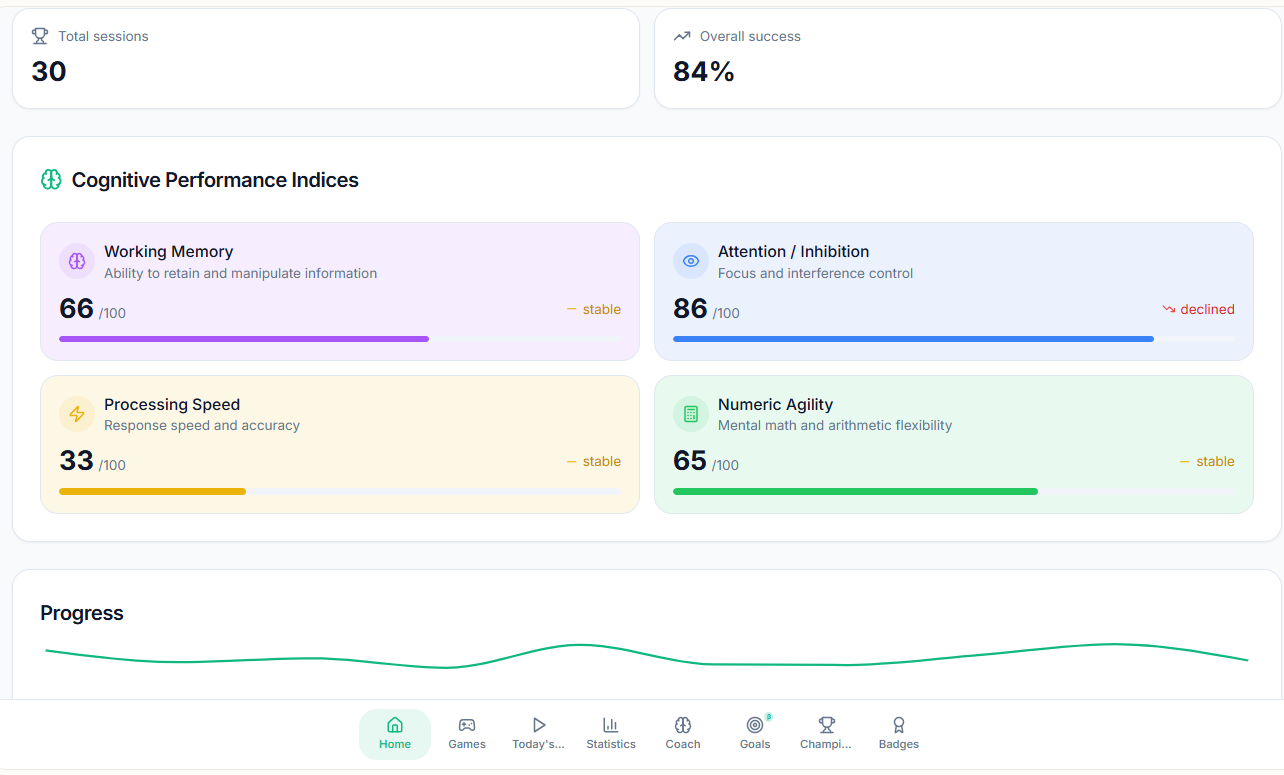
A cognitive dashboard is only useful if it is readable. Daily Brain Coach shows your cognitive indices as simple trend lines:
- Memory index: evolution of your visual working memory
- Attention index: based on your Stroop Test performance
- Speed index: information processing speed
- Numeric index: accuracy on calculation exercises
Try it free from your tablet — start without signing up.
Conclusion
Your tablet is a great health tool. Don't just use it for the news. Install a pocket coach.
Daily Brain Coach isn't here to judge you. It's here to help. It's fast, free to test, and makes a real difference long-term.
Turn your tablet into a health ally.